
If you are looking for a practical Seedance 2 tutorial (or searching for a seedance2 tutorial), this guide gives you a reusable production workflow you can apply immediately.
- Beginners can follow it to produce their first publishable short clip.
- Intermediate creators can improve motion stability and character consistency.
- Developers can connect APIs and scale generation in batches.
If you want to test this Seedance 2 tutorial immediately, open the AI Video Generator or start from the VibeVideo homepage.
Conclusion First
- The core value of Seedance 2.0 is multimodal control (text, image, video, audio) plus stronger audio-video generation coherence.
- The most reliable method in this Seedance 2 tutorial is: lock references first, write structured prompts, then iterate one variable at a time.
- As of February 12, 2026, rollout status still differs across platforms. If Seedance 2.0 access is not available to you yet, run the same workflow with Seedance 1.5 Pro first.
Media examples are embedded inside relevant steps so you can read and compare at the same time.
What Seedance 2.0 Is (Conclusion First)
Based on official information, Seedance 2.0 is not just “sharper video output.” It is mainly about four upgrades:
- All-round reference control: text, image, video, and audio can be fed together. Public guidance often mentions up to 12 references in one run (up to 9 images, 3 videos, 3 audio clips), but exact limits and fields vary by platform.
- Native audio-visual sync: image and sound are generated in a more unified way, useful for lip-sync and beat-matched motion.
- Multi-shot consistency: identity and visual continuity are easier to maintain across shots.
- First-and-last-frame control: start and end states can be constrained, making transitions more predictable.
That makes Seedance 2.0 more suitable for ad films, narrative short clips, and recurring character/IP workflows, not only single-shot experiments.
Availability Status (As of February 12, 2026)
To keep this Seedance 2 tutorial time-accurate:
- The ByteDance Seed official pages already present the Seedance 2.0 capability framework and evaluation direction.
- Dreamina’s Seedance 2.0 page documents a full workflow, while some parts still indicate staged availability.
- Media coverage on February 12, 2026 reported launch updates, but practical access still appears to be gradually rolled out.
Practical recommendation:
- If Seedance 2.0 is available in your account, use it directly.
- If not, run this same seedance2 tutorial workflow on 1.5 Pro and migrate when 2.0 is unlocked.
Method Shift: From “Describer” to “Director”
Prompting in Seedance 2.0 works better when you stop over-describing and start directing assets:
- Do not over-describe appearance: point to
@Imagereferences to lock identity first. - Do not force complex camera language in one sentence: reference a motion clip (for example
@Video1) to lock camera behavior. - Do not treat audio as an afterthought: define rhythm and sync goals early with
@Audioreferences.
This shift is what keeps the next steps coherent and reproducible.
Step 0: Define Assets and Goal First (Most People Skip This)
Before generating, define these three items clearly:
- Target platform: TikTok, YouTube Shorts, Instagram Reels, ad placements
- Target duration: 5-8s for hook clips, 10-12s for narrative clips
- Core message: what should viewers remember after watching
Then prepare an asset pack:
- Identity reference image (character/product)
- Style reference image (lighting, palette, camera language)
- Optional audio reference (tone, rhythm, ambience)
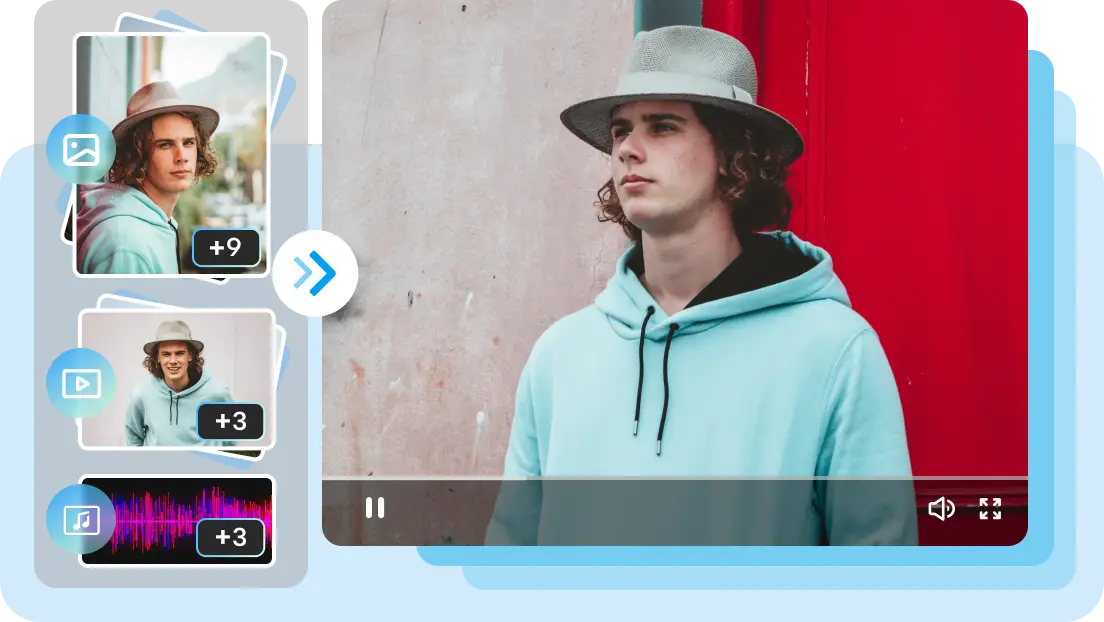 Reference example: identity + style anchor setup.
Step 1: Pick the Right Mode First
text-to-video is better when:
- You are exploring concepts.
- You do not have a fixed visual anchor yet.
- You need to validate narrative direction quickly.
image-to-video is better when:
- You already have a locked hero frame or product key visual.
- You need stronger consistency.
- You are building serial content for the same character/IP.
Rule of thumb for this Seedance 2 tutorial:
- Start with text for ideation.
- Switch to image-based runs once direction is validated.
For quick hands-on validation, run one test in the AI Video Generator before moving to batch workflows.
Step 2: Feed Multimodal References Without Chaos
From public Dreamina workflow guidance, Seedance 2.0 supports using image, video, and audio references together. A stable way is to split references into four layers:
- Identity layer: face, clothing, product silhouette (who it is)
- Style layer: color language, lens style, post texture (how it should look)
- Motion layer: blocking, camera movement, rhythm (how it moves)
- Audio layer: dialogue tone, ambience, music pulse (how it sounds)
Execution rules:
- Add one new reference dimension per run, not all at once.
- If identity drifts, remove style noise and keep identity anchors.
- In complex scenes, prioritize subject consistency before flashy camera moves.
- Keep audio references short and single-goal (ambience-first or dialogue-first).
- If you are testing visual stability only, disable audio generation first, then re-enable later.
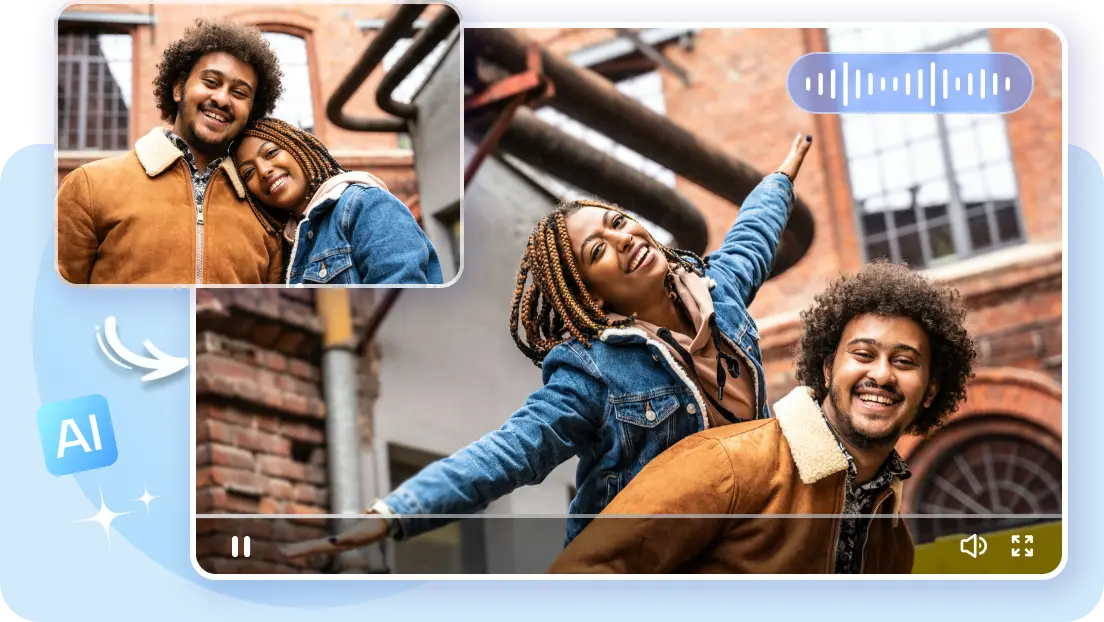 Reference example: multimodal references merged toward one target style.
Step 3: Use a Structured Prompt Template (S-A-C-S-C)
When outputs feel unstable, the issue is often prompt structure, not model capability.
Use one formula consistently: S-A-C-S-C
Subject + Action + Camera + Style + ConstraintsWriting rules:
- Subject (S): lock identity via
@Imagereferences before adding descriptive details. - Action (A): use concrete physical actions, not long chained events.
- Camera (C): define movement path and speed with film terms (
Slow Dolly-in,Fast Pan). - Style (S): include scene, lighting, material texture, and audio target here.
- Constraints (C): define what must not change or appear.
Copy-ready template:
Subject (S): short-haired woman from @Image1 in a black trench coat, keep facial identity consistent.
Action (A): she walks steadily from left to right, then looks back once.
Camera (C): medium tracking shot, Slow Dolly-in, no shake, no sudden zoom.
Style (S): neon-lit city street at night with wet reflections, cool key light, subtle distant traffic and wind ambience.
Constraints (C): no face swap, no outfit change, no extra limbs, no text watermark.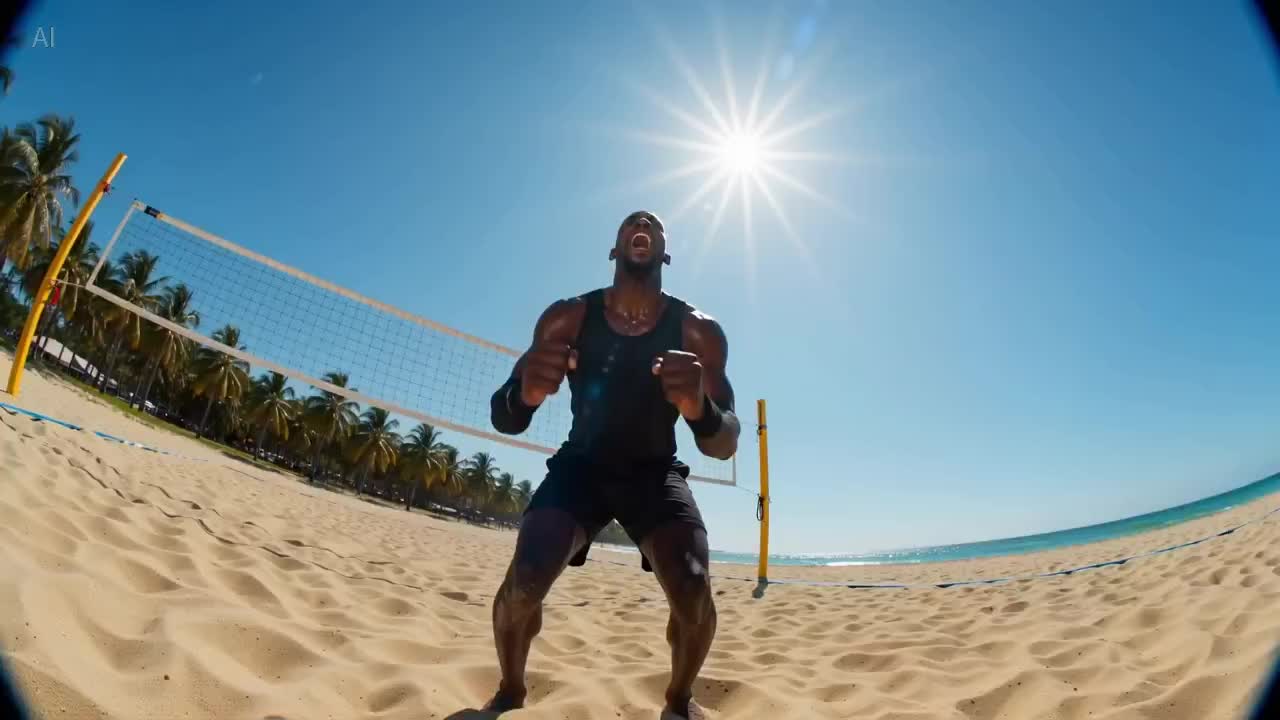 Reference frame: useful as a quality and composition target.
Step 4: Two Prompt Contrast Cases (Bad vs Good)
Case 1: Premium Watch Product Shot
Bad prompt:
Show a beautiful watch with a cool background. Move the camera and make it look expensive.Problem: random subject appearance, vague camera intent, unstable visual quality.
Good prompt (S-A-C-S-C):
Subject (S): watch from @Image1, keep logo shape and product proportions unchanged.
Action (A): hands rotate quickly (time-lapse feel), controlled highlight flicker on the watch glass.
Camera (C): Macro shot, Slow Dolly-in toward the dial, soft background blur.
Style (S): luxury commercial look, cool metallic tones, 85mm lens feel.
Constraints (C): logo fixed geometry, no extra text, no dial deformation.
Case 2: Beauty UGC Talking Clip
Bad prompt:
A beautiful woman holds a cream product and talks happily in a bedroom.Problem: identity drift, weak lip-sync, hand details often degrade.
Good prompt (S-A-C-S-C):
Subject (S): person from @Image1 holding the cream from @Image2.
Action (A): natural direct-to-camera speech, slight nodding, stable hand movement.
Camera (C): medium shot at eye level, subtle handheld breathing.
Style (S): bright UGC creator look with ring-light catchlight; lip-sync aligned to @Audio1 rhythm.
Constraints (C): no hand deformation, keep label text readable, no extra fingers.
Step 5: Parameter Baseline (Seedance 2.0 Common Setup)
Platform limits vary. Use these as practical starting values.
| Scenario | Aspect Ratio | Resolution | Duration | Recommendation |
|---|---|---|---|---|
| Social vertical narrative | 9:16 | 720p | 5-8s | Stabilize motion first, then increase detail |
| Product ads | 16:9 | 1080p | 8-12s | Lock product consistency before complex camera moves |
| Portrait close-ups | 3:4 or 1:1 | 720p/1080p | 5-8s | Add strong identity constraints and natural skin tone cues |
| Trailer-style shots | 21:9 or 16:9 | 1080p | 8-12s | Emphasize camera path and lighting layers |
Example clip: compare pacing and motion stability against your own output.
Step 6: Iteration Loop (This Decides Output Quality)
Treat each run as an experiment. Do not change five variables at once.
Recommended 4-round loop:
- Composition round: check subject/background/framing only
- Motion round: adjust action and camera movement only
- Texture round: adjust light/material/color only
- Audio round: adjust sound style/intensity only
Keep the best version each round and log: “what changed -> what improved.” This is how a Seedance 2 tutorial becomes your long-term internal playbook.
Red Lines and Negative Lexicon (Avoid Wasted Iterations)
Use this section to prevent avoidable instability:
- If you already provide reference images, reduce appearance prose: conflicts between text and image anchors cause hallucinated outputs.
- Avoid chained compound actions: split “run, jump, turn, drink” into separate shots.
- Constrain logos explicitly: add
logo fixed geometry; use compositing when strict brand precision is required. - Keep a default negative lexicon:
Distorted text,Morphing,Extra fingers,Shaky camera.
Common Failures and Fixes
| Problem | Typical Cause | Fix |
|---|---|---|
| Character inconsistency | Identity anchor too weak | Add stronger identity description, reduce style interference |
| Floating/chaotic camera | No explicit camera path in prompt | Specify tracking/dolly/pan and speed |
| “Too AI-looking” visuals | Missing material and lighting constraints | Add lens/lighting/texture detail words |
| Audio-video mismatch | Sound objective not clearly defined | Prioritize ambience/dialogue/music explicitly |
| Detail flicker | Too many conflicting motion instructions | Simplify action and split into shorter runs |
Developer Fast-Track: Minimal API Flow (VibeVideo)
For automation, use your native VibeVideo API endpoints directly. Full parameter reference: VibeVideo Video Generation API and VibeVideo Video Generation API (Chinese). If you need a visual baseline for the same prompt, compare API output with the web flow in AI Video Generator.
1) Create Task (POST /api/ai/generate)
curl -X POST "https://vibevideo.app/api/ai/generate" \
  -H "Authorization: Bearer <YOUR_API_KEY>" \
  -H "Content-Type: application/json" \
  -d '{
    "mediaType": "video",
    "scene": "image-to-video",
    "model": "bytedance/v1-pro-image-to-video",
    "prompt": "Cinematic neon street at dusk, realistic motion, smooth tracking shot, stable subject consistency.",
    "options": {
      "mode": "image-to-video",
      "image_url": "https://example.com/first-frame.png",
      "resolution": "720p",
      "duration": 5,
      "aspect_ratio": "9:16",
      "camera_fixed": false,
      "generate_audio": false
    }
  }'
2) Query Task (POST /api/ai/query)
curl -X POST "https://vibevideo.app/api/ai/query" \
  -H "Authorization: Bearer <YOUR_API_KEY>" \
  -H "Content-Type: application/json" \
  -d '{
    "taskId": "YOUR_TASK_ID"
  }'
Production notes:
- Use
data.id(VibeVideo task ID) as your query input. - Handle status transitions (
pending/processing/success/failed/canceled) with retries or alerts. - Persist output assets after success to avoid temporary-link expiration.
FAQ
What makes Seedance 2.0 different from typical AI video tools?
The biggest difference is multimodal reference control and stronger cross-shot consistency. That is why this Seedance 2 tutorial is especially useful for narrative and campaign workflows.
Is Seedance 2.0 better for text-to-video or image-to-video?
Both. Text is better for ideation, image is better for identity lock and brand consistency.
How do I improve output stability quickly?
Lock identity first, then define camera path, then iterate one variable at a time.
What if I do not have Seedance 2.0 access yet?
Run the same process on Seedance 1.5 Pro first. Once access opens, migrate prompts and parameters with minor adjustments.
Do I need audio generation in every run?
No. Enable audio only when sync is a goal (dialogue, ambience, or music behavior).
What projects benefit most from this seedance2 tutorial workflow?
Ad shorts, narrative social clips, IP-character series, and previs-style cinematic prototypes.
If you are ready to ship, go to AI Video Generator directly, or browse the homepage for model pages and feature updates.
References
- VibeVideo Video Generation API (EN): https://vibevideo.app/docs/api/video-generation
- VibeVideo Video Generation API (ZH): https://vibevideo.app/docs/api/video-generation
- ByteDance Seed official page (Seedance 2.0): https://seed.bytedance.com/en/seedance2_0
- ByteDance Seed official page (Seedance 1.0): https://seed.bytedance.com/en/seedance
- Dreamina Seedance 2.0 page: https://dreamina.capcut.com/tools/seedance-2-0