

Gerador de Imagens com IA para equipes criativas
Explore mais inspirações visuais criadas com IA
Como funciona este gerador de imagens com IA
Comece com uma instrucao, uma imagem de referencia ou ambas. Depois refine o resultado ate chegar a uma imagem utilizavel para campanhas, produtos e conteudo real.
Escolha texto para imagem ou imagem para imagem
Comece com texto para imagem quando precisar de um visual totalmente novo, ou mude para imagem para imagem quando quiser manter o assunto e transformar o estilo, o fundo ou o clima.
Adicione uma instrucao e imagens de referencia
Descreva o resultado que voce quer e depois envie uma ou mais referencias quando precisar de controle mais preciso sobre o assunto, a composicao, os materiais ou a direcao de arte.
Defina o que deve permanecer consistente
Diga ao modelo o que deve permanecer estavel, como o rosto, a silhueta do produto, os detalhes da embalagem, a paleta ou o enquadramento, para que o resultado continue utilizavel.
Gere variacoes e escolha a melhor
Rode varias versoes focadas, compare os resultados e fique com a imagem que melhor combina com sua campanha, listagem, miniatura ou sistema de marca.
Fluxos populares com geracao de imagens por IA
Veja como as equipes usam texto para imagem, imagem para imagem e instrucoes de estilo em e-commerce, conteudo de criadores e design de marca.
De packshot a cena lifestyle
Transforme uma foto simples de produto em um visual de ambiente refinado para paginas de produto, social pago e paginas de destino.
Por que as equipes usam este gerador de imagens com IA
Use um unico gerador de imagens com IA para ideacao rapida de texto para imagem, edicoes controladas de imagem para imagem e producao repetivel de imagens com estilo.
Texto para imagem e imagem para imagem
Va da tela em branco a conceitos gerados por instrucoes, ou comece com um ativo existente quando precisar de controle criativo mais preciso.
Multiplas imagens de referencia
Envie mais de uma imagem quando precisar combinar assunto, estilo, ambiente ou pistas de composicao em uma unica geracao.
Controle de estilo guiado por instrucoes
Mude o clima, os materiais, a paleta de cores, a iluminacao ou a direcao de arte mantendo a instrucao concisa e intencional.
Iteracao criativa rapida
Passe rapidamente de uma direcao inicial para um criativo utilizavel testando varias alteracoes de instrucao bem definidas.
Saida de imagem em alta qualidade
Crie visuais refinados adequados para redes sociais, criativos de anuncio, paginas de e-commerce e revisoes internas de conceito.
Sistemas de marca reutilizaveis
Mantenha uma marca, personagem ou linha de produto visualmente coerente em muitos resultados, em vez de gerar imagens isoladas e desconectadas.
Resultados reais com este gerador de imagens com IA
Exemplos de tarefas de imagem para imagem em que manter uma imagem de origem ajuda as equipes a ir mais rapido sem perder consistencia visual.
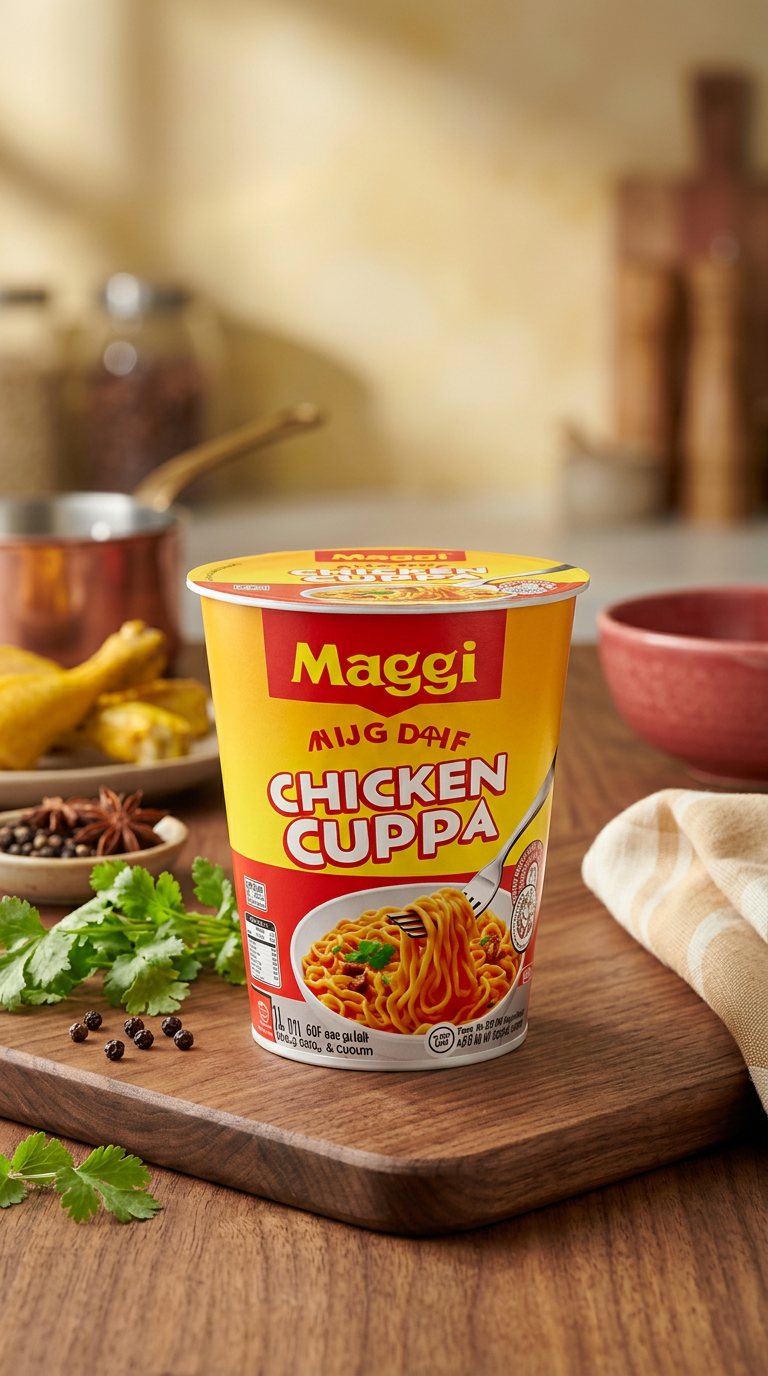

Renovacao do fundo do produto
Transforme uma foto simples de catalogo em um visual lifestyle refinado sem planejar uma nova sessao.
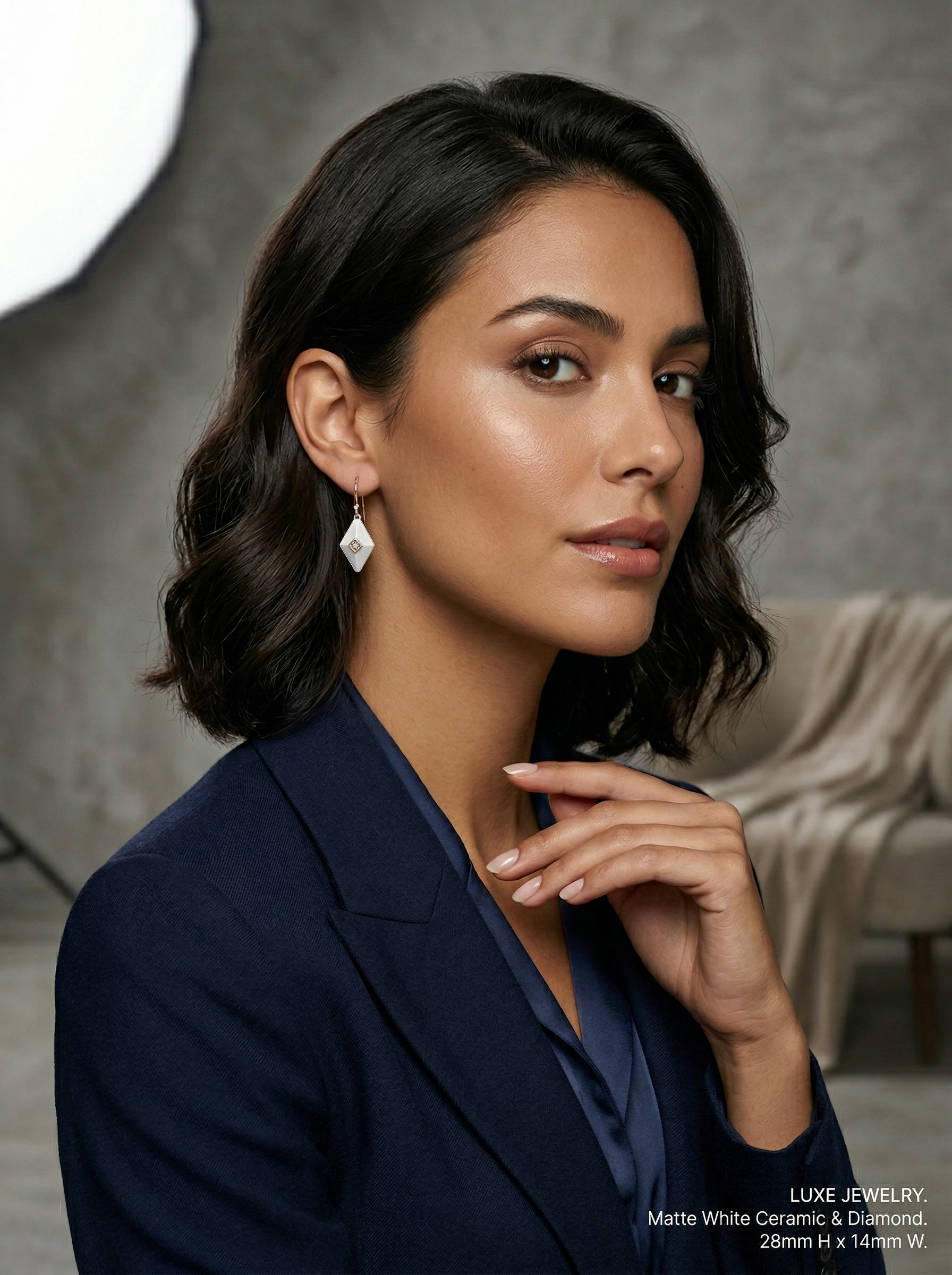

Variacoes de campanha
Use uma imagem aprovada para gerar varias direcoes de anuncio para canais, publicos e janelas de lancamento.


Redesenho de capas
Reestilize uma imagem base em capas e miniaturas com hierarquia mais forte e maior atracao de clique.
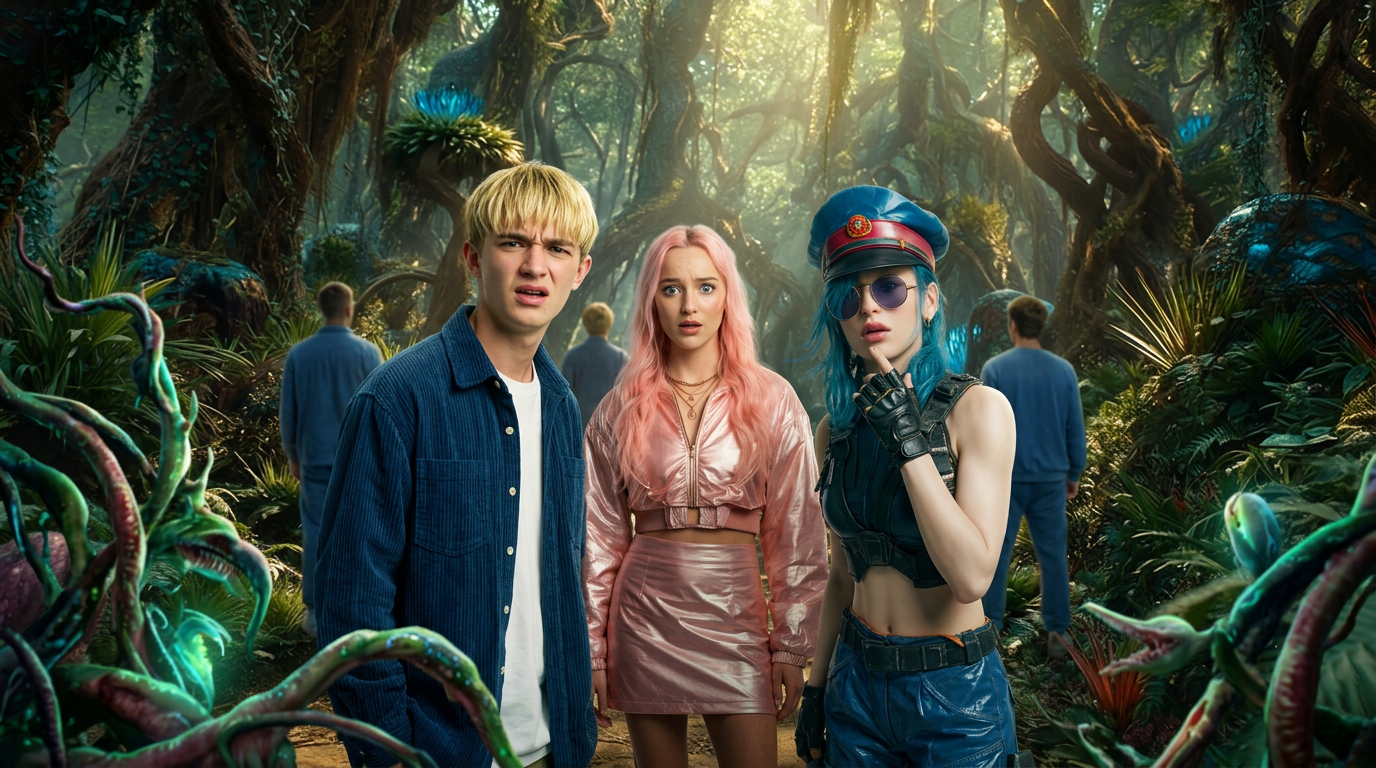

Exploracao de direcao de arte
Compare rapidamente varias direcoes visuais de estilo antes que a equipe se comprometa com um unico caminho de producao.
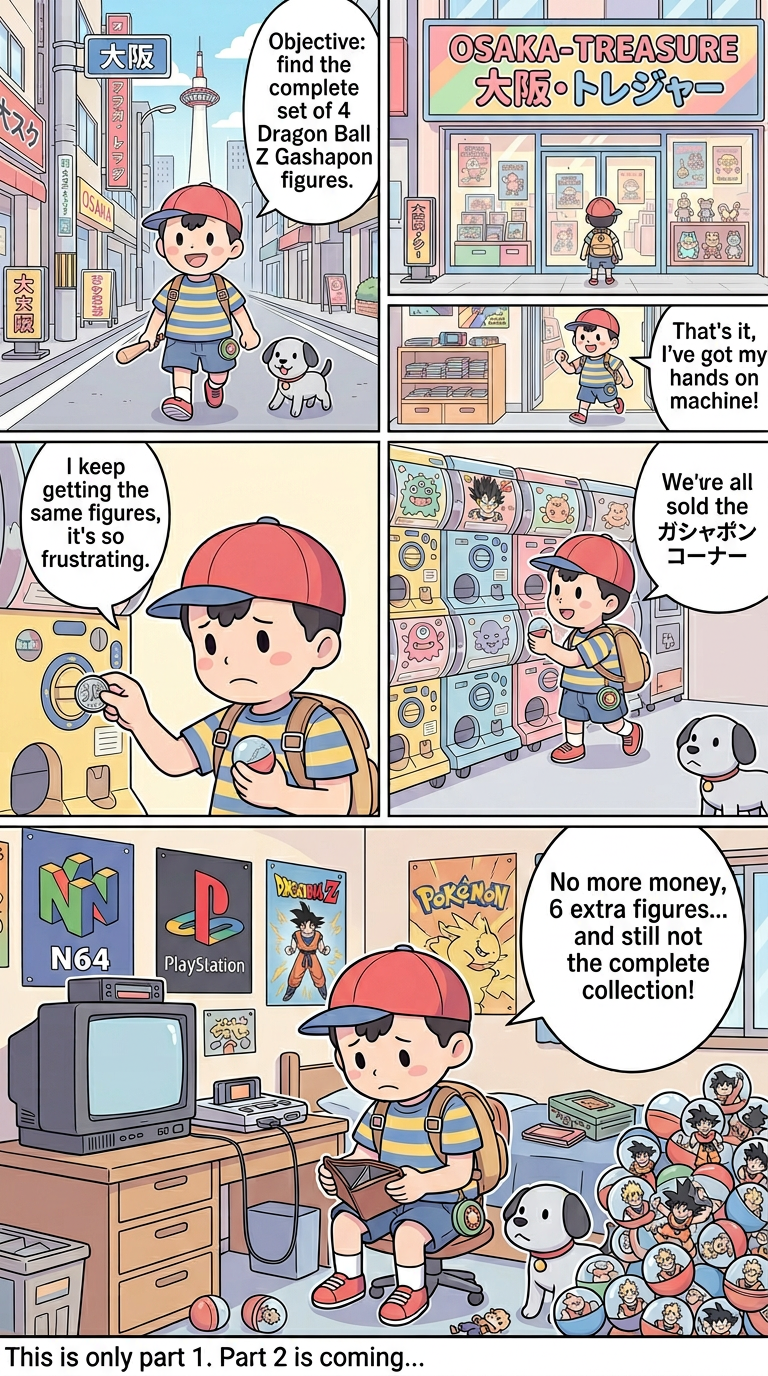

Sistema de ilustracao de marca
Gere visuais de apoio que permaneçam alinhados em estilo ao longo de uma campanha de marca ou serie de conteudo.

Conjuntos visuais localizados
Adapte uma imagem mestra em varias versoes para localizacao, campanhas sazonais ou cortes especificos por plataforma.
Perguntas frequentes sobre o gerador de imagens com IA
Respostas para perguntas comuns sobre fluxos de trabalho com gerador de imagens com IA, desde instrucoes de texto para imagem ate edicoes de imagem para imagem e direcao visual de estilo.
Comece a criar videos incríveis hoje
Transforme suas imagens em videos impressionantes com a IA do VibeVideo.