
If you are researching an in-depth Flowith AI review, evaluating Flowith AI pricing plans, or seeking a streamlined Flowith alternative for dedicated AI video production, this comprehensive 2026 technical guide provides complete workflow analysis and comparative data.
Flowith AI Pricing & Verdict: Direct Answer
Flowith AI is an infinite canvas productivity and multi-agent reasoning tool that costs between $12 and $19 per month for Pro plans, offering a node-based interface for LLM research, mind mapping, and multimodal generation.
The key thing to know: While Flowith provides an impressive canvas for connecting complex research nodes and agent reasoning chains, its video generation capabilities are secondary third-party API wrappers with high latency and lack dedicated cinematic camera controls.
- Pricing Structure: Free tier (limited daily queries), Pro plan ($12–$19/month), and custom team subscriptions.
- Core Strengths: Non-linear infinite canvas UI, multi-agent LLM orchestration, and integrated web research synthesis.
- Primary Drawbacks: Complex node connection learning curve, secondary video generation wrapper pipelines, and rapid token exhaustion during long reasoning chains.
- Top Alternative Recommendation: For video creators, filmmakers, and digital marketers seeking a dedicated, one-click AI video studio with sub-60s rendering and top foundation models (like Seedance 2.0 and Gemini Omni Video), test Vibe Video's AI Video Studio with complimentary starter credits.
What Is Flowith AI?
Flowith AI is a visual workspace designed to rethink how users interact with large language models. Rather than a linear chat interface, Flowith arranges conversations, data sources, and AI agents on an expansive 2D canvas, allowing users to branch ideas, compare responses, and map complex workflows.
Key platform features include:
- Infinite Node Canvas: Drag-and-drop workspace for creating interconnected text, code, and image cards.
- Multi-Agent Orchestrator: Runs multiple AI models (e.g., GPT-4o, Claude 3.5 Sonnet, Gemini 1.5 Pro) simultaneously to solve research tasks.
- Visual Brainstorming Tree: Automatically expands concepts into structured outline nodes and research summaries.
- Multimodal Connectors: Basic integrations that generate companion images and short video clips within canvas cards.
To explore a dedicated AI video studio with instant generation, open the Flowith AI Alternative on VibeVideo.
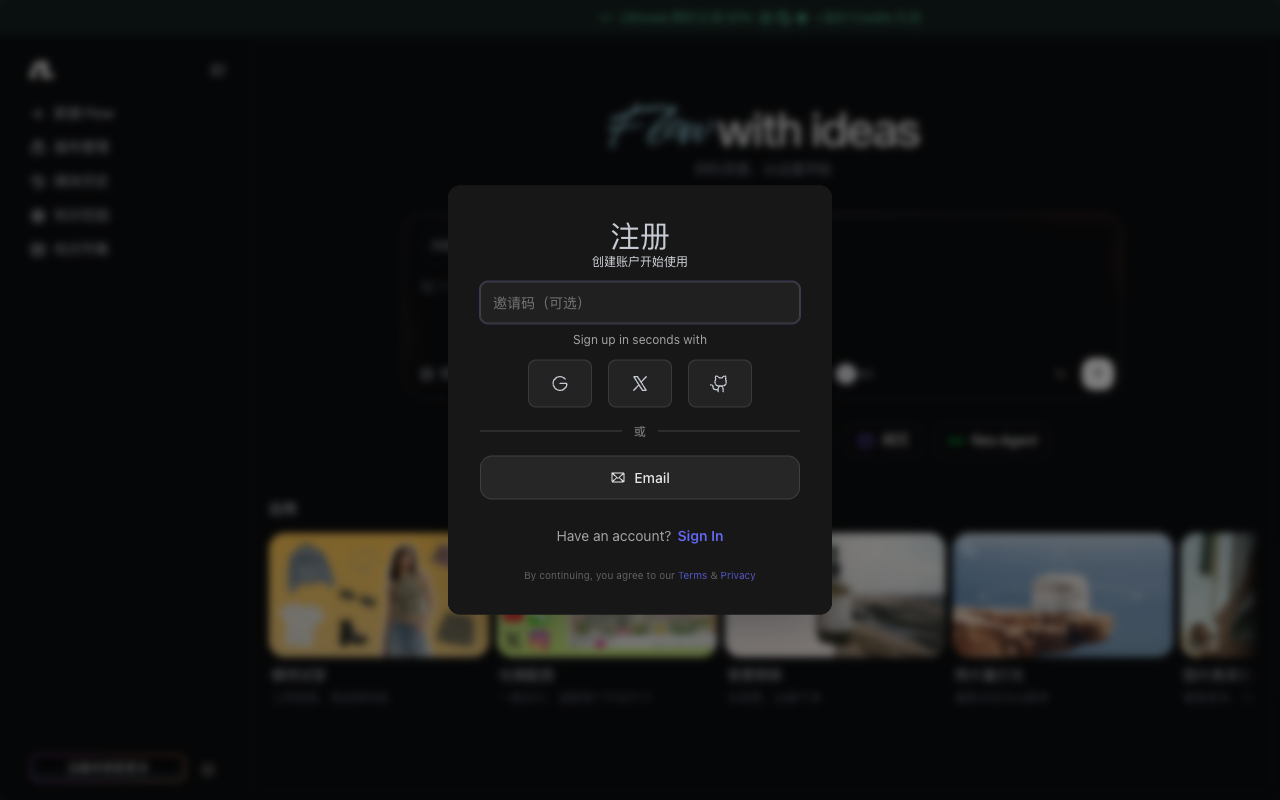 Flowith AI official web platform and infinite node canvas interface in 2026.
2026 Flowith AI Pricing Table
Flowith AI operates on a subscription tier based on compute tokens and agent calls:
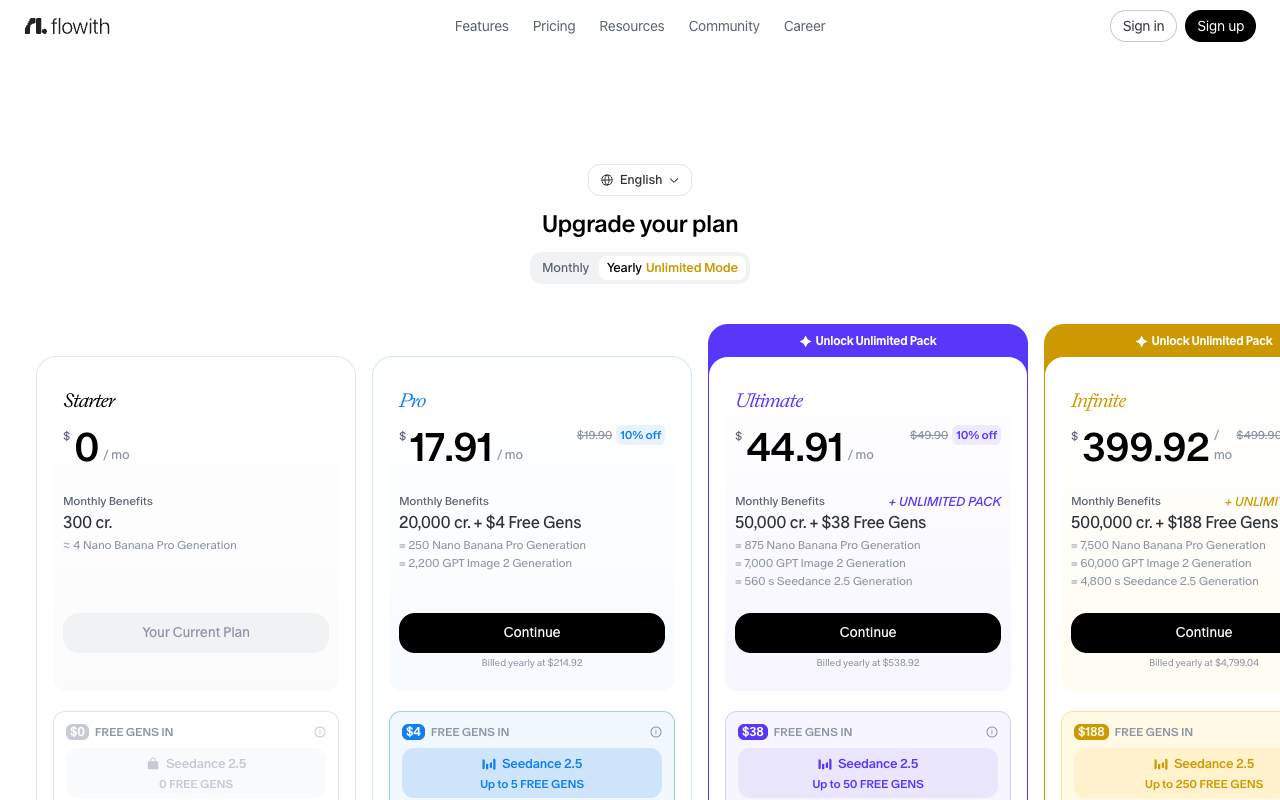 Flowith AI official subscription tiers and compute token allowances.
| Plan | Public Monthly Price | Annual Billing Equivalent | Daily / Monthly Query Allowance | Multi-Agent Support | Video Generation Capability | Key Features |
|---|---|---|---|---|---|---|
| Free Tier | $0 | $0 | ~20 queries / day | Basic agents | Limited / Third-party | Standard canvas tools |
| Pro Plan | $19 / mo | $12 / mo | Unlimited standard / 1k fast runs | Full multi-agent | API connector access | File uploads, web search |
| Team Plan | $39 / user / mo | $29 / user / mo | Shared enterprise pool | Collaborative | Priority queue | Shared team workspaces |
Note: Data verified against public pricing pages in 2026. Generating multimodal video consumes higher token allocations from the monthly quota.
Flowith AI Pros
1. Superior Non-Linear Brainstorming
The infinite canvas layout allows researchers to visualize connections between disparate concepts without losing conversation context.
2. Multi-Model Agent Comparison
Users can prompt different frontier models side-by-side to cross-validate facts and synthesize comprehensive reports.
3. Integrated Web Research & Citation
Flowith automatically crawls real-time web sources and maps citations directly to specific canvas nodes.
Flowith AI Cons & Limitations
1. Unnecessary Complexity for Pure Video Creators
Navigating node trees, connections, and branching logic creates friction for users who simply need to render high-quality video clips.
2. Secondary Video Infrastructure
Flowith does not operate proprietary video foundation models; video generation is wrapped from external APIs with limited motion controls.
3. High Latency per Output
Generating a video through multi-agent canvas pipelines requires waiting through several sequential reasoning steps, slowing production down.
Flowith AI vs VibeVideo Comparison
| Feature / Metric | Flowith AI | VibeVideo |
|---|---|---|
| Primary Focus | Multi-Agent LLM Research & Canvas Mind Mapping | Dedicated High-Fidelity Generative AI Video Studio |
| Interface Style | Complex 2D node graphs & flowcharts | Clean, intuitive one-click video workbench |
| Video Engine | Third-party API wrappers | Multi-model foundation hub (Seedance 2.0, Gemini Omni Video) |
| Generation Speed | Multi-step agent wait times (3–5+ mins) | Under 60 seconds per HD video clip |
| Camera & Physics Control | Minimal / Text-only hints | Advanced 3D camera sweeps, orbits, pans, and lighting |
| Pricing Model | Recurring token subscription ($12–$19/mo) | Transparent per-clip credits with free starter tier |
When to Choose Flowith vs When to Choose VibeVideo
- Choose Flowith AI if: You are conducting deep research, writing complex technical papers, or building multi-agent knowledge graphs on an infinite canvas.
- Choose VibeVideo if: You need a dedicated, professional AI video production engine to render broadcast-quality 1080p clips in under 60 seconds with full camera control and commercial rights. Start creating on VibeVideo's AI Video Studio today.
Frequently Asked Questions (FAQ)
What is Flowith AI used for?
Flowith AI is an infinite canvas productivity tool for structured AI research, multi-agent problem solving, and concept mapping.
How much does Flowith AI cost?
Flowith AI offers a free basic tier, with paid Pro plans starting between $12 and $19 per month.
Can Flowith AI generate video?
Yes, Flowith has basic multimodal video connectors, but it is primarily designed for text and knowledge graph workflows rather than dedicated cinematic video generation.
How does VibeVideo differ from Flowith AI?
VibeVideo is a dedicated AI video creation studio built for filmmakers, creators, and marketers, offering state-of-the-art video foundation models, sub-60s rendering, and fine-grained camera directing without node graph complexity.
What is the best alternative to Flowith AI for video production?
VibeVideo is the premier alternative for creators seeking fast, high-quality AI video generation with free starter credits and transparent per-generation pricing.
Data sources: Flowith AI official documentation, user community feedback, and comparative testing by the Vibe Video research lab.